Northeast Ohio Regional Library System
2/2/2022
This informational online workshop will focus on security threats stemming from user activities. Topics of concern will be emails, password protection, and Internet safety. For example, identifying suspicious or fraudulent emails, knowing how to respond to information requests within emails, and eliminating spam messages.
Password protection topics include the creation and storage of passwords as well as utilization of advanced security features such as biometrics, pin numbers, and two-step-authentication. The need and usage of password managers will also be discussed. Finally, a review of Internet safety will be discussed as it pertains to keeping sensitive information safe from hackers. Other topics may be introduced as time permits.
Learning Objectives:
- Learn more about security threats and your role in protecting the library
- Importance of Passwords
- Internet Safety
John Paul, Business owner and operator of Winsoft Computer Education.
 John is a business owner and private consultant. His company: Winsoft Computer Education, has provided corporate training and consulting to business organizations for over twenty years. During this time, he has been a frequent trainer to libraries throughout Ohio. John specializes in Microsoft applications but has trained on many platforms. His courses include Office applications, Adobe, Project Management, database management, report writing, and more. In addition to training, John provides consulting services, focusing particularly on database creation for managing projects, departments, or company-wide functions.
 Location: Online via Zoom
3/2/2022
Microsoft has designed online accounts to utilize a wide array of services. The apps and services are made available using personal, business, or school accounts. This course will focus on standard features available to all accounts including OneDrive and Office 365. You will learn to navigate through your account, access apps, and manage files.
Learning Objectives:
- Creating and removing online folders
- Synchronizing OneDrive to Windows Explorer and managing file versions
- An explanation will be given describing what Office 365 “actually” is and how it differs from Office
- Other topics may include collaboration, file sharing, ransomware recovery, and recovering damaged and deleted files
Presenter:
John Paul, Business owner and operator of Winsoft Computer Education.
John is a business owner and private consultant. His company, Winsoft Computer Education, has provided corporate training and consulting to business organizations for over twenty years. During this time, he has been a frequent trainer to libraries throughout Ohio. John specializes in Microsoft applications but has trained on many platforms. His courses include Office applications, Adobe, Project Management, database management, report writing, and more. In addition to training, John provides consulting services, focusing particularly on database creation for managing projects, departments, or company-wide functions. Location: Online via Zoom
This class was a popular class and it is full. Please email Melissa Lattanzi, lattanzm@neo-rls.org to be put on a waiting list and an additional class may be added for the future.
4/28/2022
Critical cataloging as a subset of Critical Librarianship has been around for decades but has been getting more well-known and gaining support recently. In this presentation we will review what critical cataloging is, the changes that the Library of Congress has been making recently, and what libraries can do locally to support a more ethical catalog.
Learning objectives:
- Attendees will review principles of critical/ethical cataloging
- Attendees will learn about changes the Library of Congress is actively making and how to stay updated
- Attendees will identify ways to implement ethical cataloging choices locally
Chloe Bragg is the Cataloging Librarian at the Ingalls Library at the Cleveland Museum of Art. She received her MLIS after achieving a degree in Anthropology at Kent State University. Chloe has worked in technical services in academic and special libraries. She is passionate about DEI issues in librarianship, especially in critical librarianship and critical cataloging.
Location: Online via Zoom
4/28/2022
 Critical cataloging as a subset of Critical Librarianship has been around for decades but has been getting more well-known and gaining support recently. In this presentation we will review what critical cataloging is, the changes that the Library of Congress has been making recently, and what libraries can do locally to support a more ethical catalog.
Learning objectives:
- Attendees will review principles of critical/ethical cataloging
- Attendees will learn about changes the Library of Congress is actively making and how to stay updated
- Attendees will identify ways to implement ethical cataloging choices locally
Chloe Bragg is the Cataloging Librarian at the Ingalls Library at the Cleveland Museum of Art. She received her MLIS after achieving a degree in Anthropology at Kent State University. Chloe has worked in technical services in academic and special libraries. She is passionate about DEI issues in librarianship, especially in critical librarianship and critical cataloging.
Location: Online via Zoom
5/12/2022
Microsoft provides Windows with a fresh new look with updates and enhancements to its apps, settings, and basic features. Participants will be exposed to the new changes to the basic interface as well as functional enhancements to improve the overall efficiency of everyday tasks. Topics will include modifications to the Start menu, Taskbar, a new Widgets app, and an updated Action Center. Discussions on applications will include a redesigned Windows store, support of non-Microsoft applications, and updated stock apps. Other topics of interest will include support for Virtual Desktops, installation changes, and improved themes for accessibility. *Additional topics may be included depending on the time allowed.
Learning Objectives:
- Learn about new changes to the basic interface
- Learn about functional enhancements to improve the overall efficiency of everyday tasks
- Learn about virtual Desktop
John Paul, Business owner and operator of Winsoft Computer Education.
John is a business owner and private consultant. His company, Winsoft Computer Education, has provided corporate training and consulting to business organizations for over twenty years. During this time, he has been a frequent trainer to libraries throughout Ohio. John specializes in Microsoft applications but has trained on many platforms. His courses include Office applications, Adobe, Project Management, database management, report writing, and more. In addition to training, John provides consulting services, focusing particularly on database creation for managing projects, departments, or company-wide functions. Location: Online via Zoom
There are currently 16 spots remaining out of 50

6/2/2022
Microsoft Teams gained considerable traction during the pandemic and has been increasingly popular as a “full service” business communications platform. Teams offers video conferencing, file storage, and application integrations. It can be a very useful and effective tool for both remote and in-person collaboration when utilized effectively.
Learning objectives:
- Learn the layout and basic functions of Microsoft Teams
- Learn about SharePoint and OneDrive and understand how they interact with Teams
- Explore applications that may be useful to you and your library
 Ragan Snead is a Continuing Education Coordinator at the Northeast Ohio Regional Library System and has over 10 years of experience in public and academic libraries. She has a passion for staff development and helping library staff reach their full potential. In addition to her work in various areas of librarianship, Ragan has also helped library staff and patrons navigate new and evolving technology. She received her MLIS from Kent State University and her MBA from Lake Erie College.
 Location: Online via Zoom
6/2/2022
 Recorded 6/2/2022
Microsoft Teams gained considerable traction during the pandemic and has been increasingly popular as a “full service” business communications platform. Teams offers video conferencing, file storage, and application integrations. It can be a very useful and effective tool for both remote and in-person collaboration when utilized effectively.
Learning objectives:
- Learn the layout and basic functions of Microsoft Teams
- Learn about SharePoint and OneDrive and understand how they interact with Teams
- Explore applications that may be useful to you and your library
Ragan Snead is a Continuing Education Coordinator at the Northeast Ohio Regional Library System and has over 10 years of experience in public and academic libraries. She has a passion for staff development and helping library staff reach their full potential. In addition to her work in various areas of librarianship, Ragan has also helped library staff and patrons navigate new and evolving technology. She received her MLIS from Kent State University and her MBA from Lake Erie College. Location: Online via Zoom

6/14/2022
Countless people have Gmail accounts but many of the other applications in the Google suite go unused. Although applications like Google Drive and Google Docs have a reputation for being less intuitive than other popular platforms, they can still be useful and it’s all free!
Learning Objectives:
- Learn what applications are offered free with your Gmail account
- Explore the functionality of Google Drive, Docs, Sheets, and Slides.
Ragan Snead is a Continuing Education Coordinator at the Northeast Ohio Regional Library System and has over 10 years of experience in public and academic libraries. She has a passion for staff development and helping library staff reach their full potential. In addition to her work in various areas of librarianship, Ragan has also helped library staff and patrons navigate new and evolving technology. She received her MLIS from Kent State University and her MBA from Lake Erie College. Location: Online via Zoom
6/14/2022
Recorded 6/14/2022Countless people have Gmail accounts but many of the other applications in the Google suite go unused. Although applications like Google Drive and Google Docs have a reputation for being less intuitive than other popular platforms, they can still be useful and it’s all free!
Learning Objectives:
- Learn what applications are offered free with your Gmail account
- Explore the functionality of Google Drive, Docs, Sheets, and Slides.
Ragan Snead is a Continuing Education Coordinator at the Northeast Ohio Regional Library System and has over 10 years of experience in public and academic libraries. She has a passion for staff development and helping library staff reach their full potential. In addition to her work in various areas of librarianship, Ragan has also helped library staff and patrons navigate new and evolving technology. She received her MLIS from Kent State University and her MBA from Lake Erie College. Location: Online via Zoom
7/25/2023
We all collect data, but what are we doing with it? What can we do with it? This workshop will walk through a real library dataset to look for insights and create a visual representation that tells a story. We will also walk through setting up an Excel workbook to efficiently capture data.
Learning Objectives:
- Navigation of large datasets and mining for useful insights using basic tools such as filtering and formulas such as “average” and “percent change”.
- Data visualization based on data mined from a large dataset
- Creation of a data tracking workbook that utilizes cell referencing across worksheets
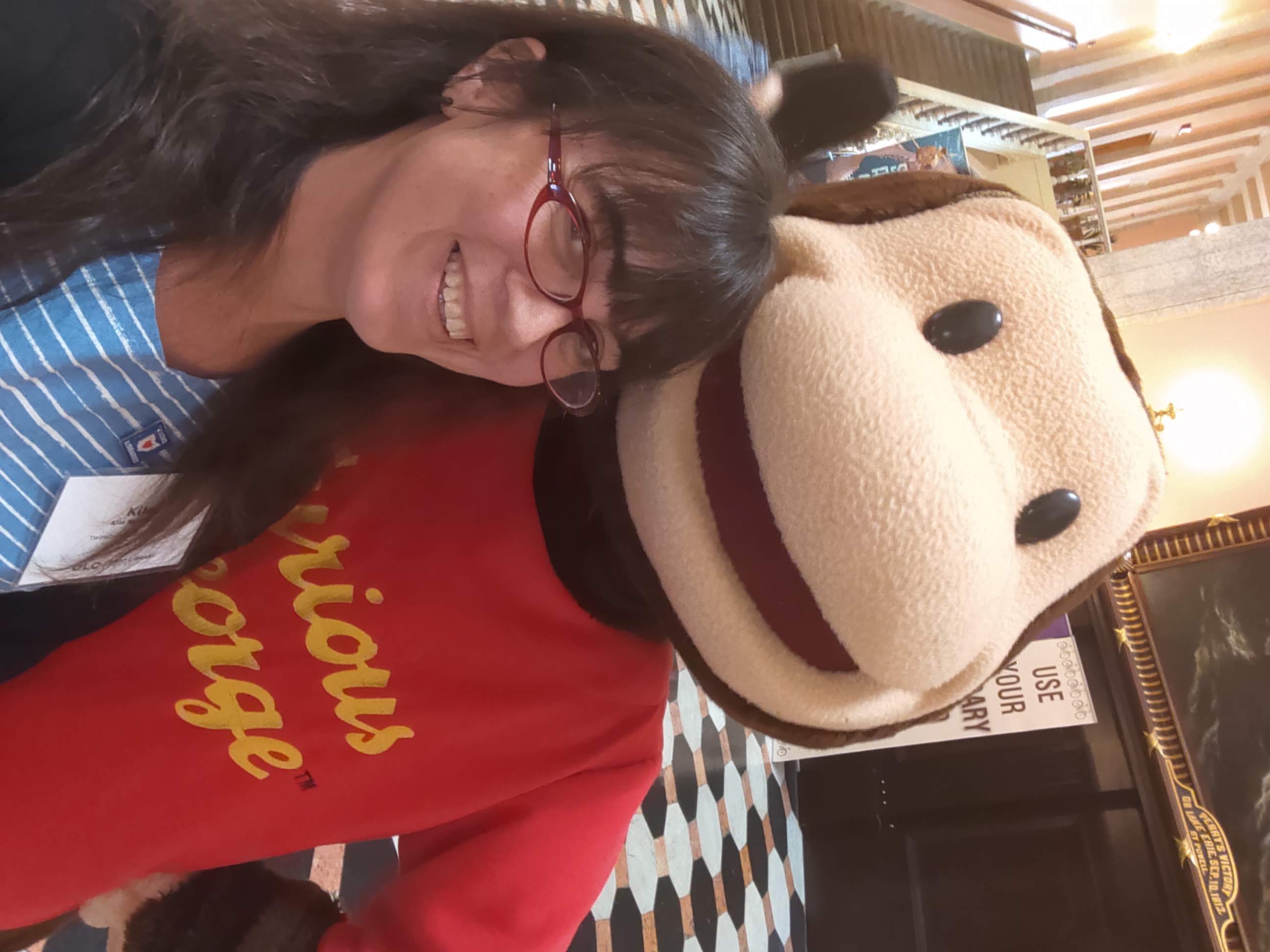 Kile Byington
Having taken her first library job in 2006 as a Children’s Library Assistant, Kile Byington has spent the last fifteen-plus years building a skill set via various roles in several library systems, from programming to collection development to finance. She is currently the Fiscal Officer for the Twinsburg Public Library and holds a Bachelor of Arts in Economics from the University of Akron with a minor in Spanish.
Location: Online via Zoom
7/25/2023
 Recorded 7/25/23
We all collect data, but what are we doing with it? What can we do with it? This workshop will walk through a real library dataset to look for insights and create a visual representation that tells a story. We will also walk through setting up an Excel workbook to efficiently capture data.
Learning Objectives:
- Navigation of large datasets and mining for useful insights using basic tools such as filtering and formulas such as “average” and “percent change”.
- Data visualization based on data mined from a large dataset
- Creation of a data tracking workbook that utilizes cell referencing across worksheets
Kile ByingtonHaving taken her first library job in 2006 as a Children’s Library Assistant, Kile Byington has spent the last fifteen-plus years building a skill set via various roles in several library systems, from programming to collection development to finance. She is currently the Fiscal Officer for the Twinsburg Public Library and holds a Bachelor of Arts in Economics from the University of Akron with a minor in Spanish.
Location: Online via Zoom
10/12/2023
For years, library staff have fulfilled the role of technology instructors within our communities. However, in this era of swift transformations, this responsibility comes with its fair share of challenges. Our speaker will explore strategies for building and maintaining the skills necessary to succeed, as well as how to apply them when providing tech-help to library patrons.
Learning Objectives:
- Attendees will identify core library staff tech skills and develop strategies to build and maintain them.
- Attendees will identify current tech help topics and commonly used patron devices.
- Attendees will explore best practices in patron tech instruction.
 Nick Tanzi is a nationally recognized library technology consultant, and author of the books Making the Most of Digital Collections Through Training and Outreach (2016) and Best Technologies for Public Libraries: Policies, Programs, and Services (2020). From 2019-2021, Tanzi served as the column editor for Public Library Magazine’s “The Wired Library”. His work has also been featured in publications including VOYA Magazine, Computers in Libraries, Library Journal, and Marketing Library Services.
Location: Online via Zoom
10/12/2023
 Recorded 10/12/23
For years, library staff have fulfilled the role of technology instructors within our communities. However, in this era of swift transformations, this responsibility comes with its fair share of challenges. Our speaker will explore strategies for building and maintaining the skills necessary to succeed, as well as how to apply them when providing tech-help to library patrons.
Learning Objectives:
- Attendees will identify core library staff tech skills and develop strategies to build and maintain them.
- Attendees will identify current tech help topics and commonly used patron devices.
- Attendees will explore best practices in patron tech instruction.
Nick Tanzi is a nationally recognized library technology consultant, and author of the books Making the Most of Digital Collections Through Training and Outreach (2016) and Best Technologies for Public Libraries: Policies, Programs, and Services (2020). From 2019-2021, Tanzi served as the column editor for Public Library Magazine’s “The Wired Library”. His work has also been featured in publications including VOYA Magazine, Computers in Libraries, Library Journal, and Marketing Library Services.Location: Online via Zoom
12/7/2023
Library managers and staff have many demands and distractions. This presentation will help cut through the noise and suggest both technical and non-technical solutions for better balance at work. You’ll learn about different software and apps that can help. Attendees will also learn more about how to deal with email stress, creating boundaries and routines, and more.
Learning Objectives:
- More about prioritizing tasks
- Tech-solutions for tech distractions
- Effective project and time management digital tools
- Communicating with colleagues and others to better create healthy boundaries
 Carrie Rogers-Whitehead worked in libraries for nearly a decade and now consults and trains librarians. She regularly researches and writes for librarians, educators and parents. Carrie has published 5 books, with two coming out in 2022 including a new book co-authored with two school librarians with ABC-CLIO: Advocating Digital Citizenship: Resources for Library and Classroom. In 2021 she received an Outstanding Reference Title award from the Reference & User Services Association of ALA. Carrie is the founder of Digital Respons-Ability, a mission-based company that has educated tens of thousands of students, parents and educators in digital citizenship. Her company’s curriculum and work can be found in multiple states and countries. Carrie is a sought after trainer, former TEDx speaker, adjunct instructor and loves to teach others.
Location: Online via Zoom
12/7/2023
Recorded 12/7/23Library managers and staff have many demands and distractions. This presentation will help cut through the noise and suggest both technical and non-technical solutions for better balance at work. You’ll learn about different software and apps that can help. Attendees will also learn more about how to deal with email stress, creating boundaries and routines, and more.
Learning Objectives:
- More about prioritizing tasks
- Tech-solutions for tech distractions
- Effective project and time management digital tools
- Communicating with colleagues and others to better create healthy boundaries
Carrie Rogers-Whitehead worked in libraries for nearly a decade and now consults and trains librarians. She regularly researches and writes for librarians, educators and parents. Carrie has published 5 books, with two coming out in 2022 including a new book co-authored with two school librarians with ABC-CLIO: Advocating Digital Citizenship: Resources for Library and Classroom. In 2021 she received an Outstanding Reference Title award from the Reference & User Services Association of ALA. Carrie is the founder of Digital Respons-Ability, a mission-based company that has educated tens of thousands of students, parents and educators in digital citizenship. Her company’s curriculum and work can be found in multiple states and countries. Carrie is a sought after trainer, former TEDx speaker, adjunct instructor and loves to teach others.Location: Online via Zoom
2/15/2024
Simplistic ways to use EXCEL to create forms, collect data and use it for employee accountability will be addressed including rearranging tables to show various trends. This webinar will show you how to track dates and times of various tasks to aid in quantifying performance using tools created to assess employees’ work. Some possible concerns to track are attendance, pulling materials for online holds, putting books in order, errands, reference questions, or materials ordered. Additionally, manipulating the data to suit your needs will be shown.
Learning objectives:
- Create simple forms using EXCEL
- Collect, input and calculate data using EXCEL
- Use data to evaluate employees’ performance
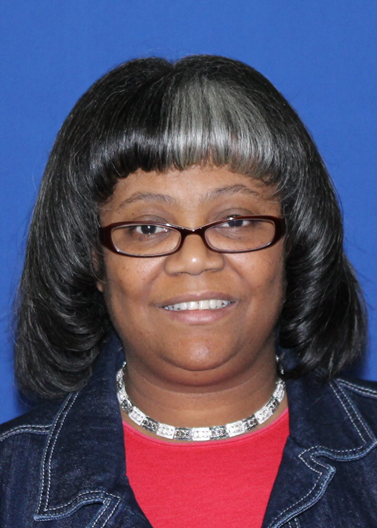 Cynthia Coccaro is currently the Shelf Division Assistant Manager at Cleveland Public Library. Combined with her work as a branch manager, she’s worked at CPL for nearly 25 years. In her current role, she hires, trains and manages as many as 36 pages/shelvers, ranging in age from 14 to senior citizens. Mrs. Coccaro received her MLIS from Kent State University. Her career started in a hospital library and then she worked as an academic reference li
Location: Online via Zoom
6/5/2024
Join us for a session to have your Excel questions answered. Here is an opportunity to share tips and ask questions about Excel. Do you want to learn more about quickly navigating in Excel? Excel formula basics? Using automatic color coding to create a printable work schedule based on staff availability? Summarize data you’ve exported from another system like your ILS? Power Query basics? You may email questions and files ahead to Melissa Lattanzi of time or just join us on Zoom for the conversation. Keep in mind when sharing your files to protect the innocent.
Facilitator:
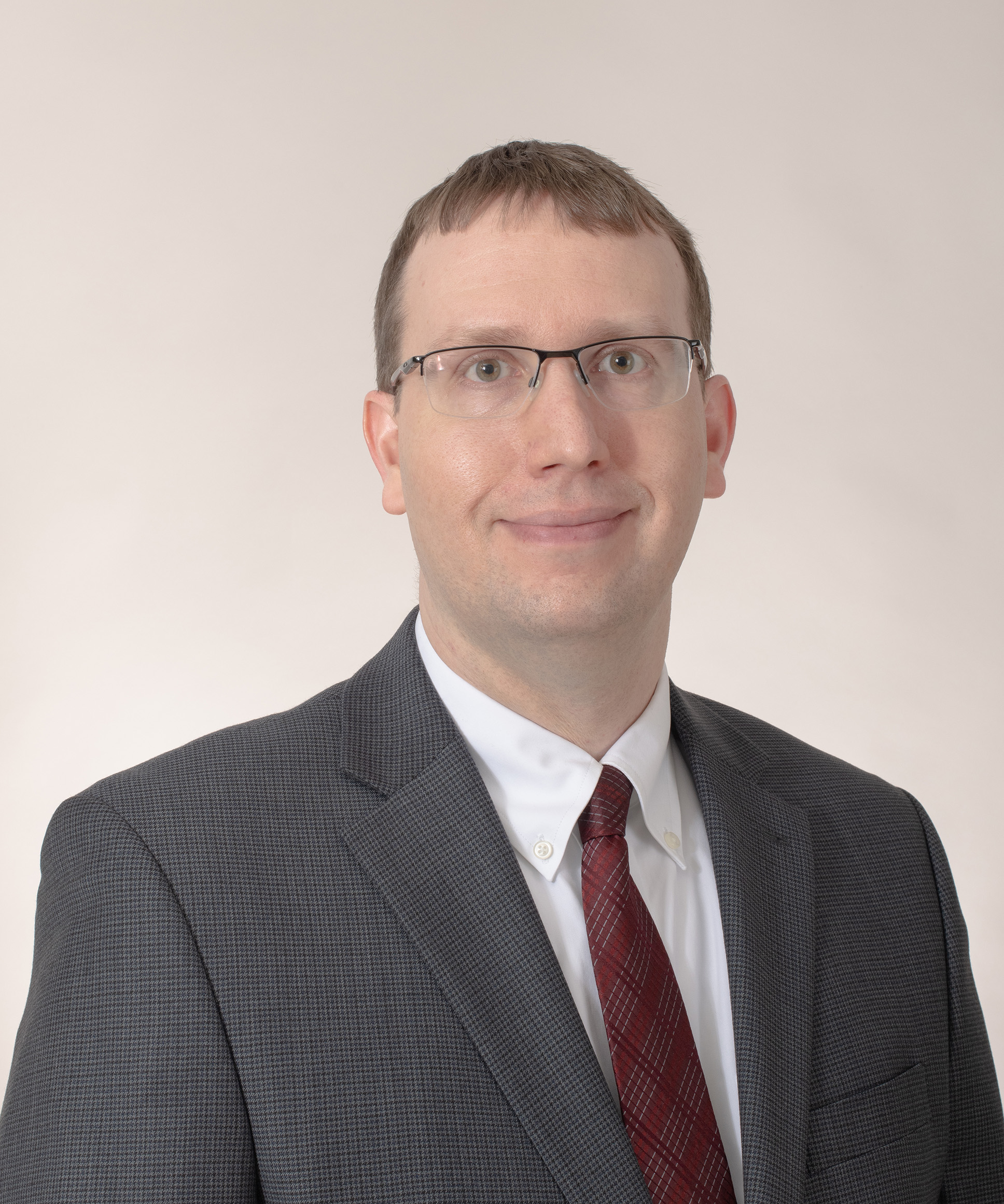 Scott Trimmer currently serves as the Director of the Learning Commons at Cuyahoga Community College’s Eastern Campus, where he has been since 2014. Scott enjoys helping people use technology to meaningfully improve their lives. His staff jokes that there’s very little Scott doesn’t try to organize in a spreadsheet. While serving for more than ten years as the go-to person to answer Excel questions at a 1000+ employee University, he picked up a number of Excel tips and tricks. In recent years, Scott has developed or assisted in the creation of variety of Excel tools to facilitate administrative tasks and dashboards, simplifying workflows and making data available to less tech-savvy folks in the organization.
With a degree in Computer Science and an MBA in Organizational Leadership, Scott has effectively used Excel to enhance data accessibility in a manner that benefits his organizations.
Location: Online via Zoom
6/5/2024
Recorded 6/6/24
Questions Answered:
- How to make my column headings “stick” as the spreadsheet gets longer
- How to use Power-Query effectively
- Working with Time
Join us for a session to have your Excel questions answered. Here is an opportunity to share tips and ask questions about Excel. Do you want to learn more about quickly navigating in Excel? Excel formula basics? Using automatic color coding to create a printable work schedule based on staff availability? Summarize data you’ve exported from another system like your ILS? Power Query basics? You may email questions and files ahead to Melissa Lattanzi of time or just join us on Zoom for the conversation. Keep in mind when sharing your files to protect the innocent.
Facilitator:
Scott Trimmer currently serves as the Director of the Learning Commons at Cuyahoga Community College’s Eastern Campus, where he has been since 2014. Scott enjoys helping people use technology to meaningfully improve their lives. His staff jokes that there’s very little Scott doesn’t try to organize in a spreadsheet. While serving for more than ten years as the go-to person to answer Excel questions at a 1000+ employee University, he picked up a number of Excel tips and tricks. In recent years, Scott has developed or assisted in the creation of variety of Excel tools to facilitate administrative tasks and dashboards, simplifying workflows and making data available to less tech-savvy folks in the organization.
With a degree in Computer Science and an MBA in Organizational Leadership, Scott has effectively used Excel to enhance data accessibility in a manner that benefits his organizations.
Location: Online via Zoom
9/11/2024
Join us for a session to have your Excel questions answered. Here is an opportunity to share tips and ask questions about Excel. Do you want to learn more about quickly navigating in Excel? Excel formula basics? Using automatic color coding to create a printable work schedule based on staff availability? Summarize data you’ve exported from another system like your ILS? Power Query basics? You may email questions and files ahead of time to Melissa Lattanzi or just join us on Zoom for the conversation. Keep in mind when sharing your files to protect the innocent.
Facilitator:
Scott Trimmer currently serves as the Director of the Learning Commons at Cuyahoga Community College’s Eastern Campus, where he has been since 2014. Scott enjoys helping people use technology to meaningfully improve their lives. His staff jokes that there’s very little Scott doesn’t try to organize in a spreadsheet. While serving for more than ten years as the go-to person to answer Excel questions at a 1000+ employee University, he picked up a number of Excel tips and tricks. In recent years, Scott has developed or assisted in the creation of variety of Excel tools to facilitate administrative tasks and dashboards, simplifying workflows and making data available to less tech-savvy folks in the organization.
With a degree in Computer Science and an MBA in Organizational Leadership, Scott has effectively used Excel to enhance data accessibility in a manner that benefits his organizations.
Location: Online via Zoom
9/11/2024
Recorded 9/11/24
Join us for a session to have your Excel questions answered. Here is an opportunity to share tips and ask questions about Excel. Do you want to learn more about quickly navigating in Excel? Excel formula basics? Using automatic color coding to create a printable work schedule based on staff availability? Summarize data you’ve exported from another system like your ILS? Power Query basics? You may email questions and files ahead of time to Melissa Lattanzi or just join us on Zoom for the conversation. Keep in mind when sharing your files to protect the innocent.
Facilitator:
Scott Trimmer currently serves as the Director of the Learning Commons at Cuyahoga Community College’s Eastern Campus, where he has been since 2014. Scott enjoys helping people use technology to meaningfully improve their lives. His staff jokes that there’s very little Scott doesn’t try to organize in a spreadsheet. While serving for more than ten years as the go-to person to answer Excel questions at a 1000+ employee University, he picked up a number of Excel tips and tricks. In recent years, Scott has developed or assisted in the creation of variety of Excel tools to facilitate administrative tasks and dashboards, simplifying workflows and making data available to less tech-savvy folks in the organization.
With a degree in Computer Science and an MBA in Organizational Leadership, Scott has effectively used Excel to enhance data accessibility in a manner that benefits his organizations.
Location: Online via Zoom
1/22/2025
Join us for a session to have your Excel questions answered. Here is an opportunity to share tips and ask questions about Excel. Do you want to learn more about quickly navigating in Excel? Excel formula basics? Using automatic color coding to create a printable work schedule based on staff availability? Summarize data you’ve exported from another system like your ILS? Power Query basics? You may email questions and files ahead of time to Melissa Lattanzi or just join us on Zoom for the conversation. Keep in mind when sharing your files to protect the innocent.
Facilitator:
Scott Trimmer currently serves as the Director of the Learning Commons at Cuyahoga Community College’s Eastern Campus, where he has been since 2014. Scott enjoys helping people use technology to meaningfully improve their lives. His staff jokes that there’s very little Scott doesn’t try to organize in a spreadsheet. While serving for more than ten years as the go-to person to answer Excel questions at a 1000+ employee University, he picked up a number of Excel tips and tricks. In recent years, Scott has developed or assisted in the creation of variety of Excel tools to facilitate administrative tasks and dashboards, simplifying workflows and making data available to less tech-savvy folks in the organization.
With a degree in Computer Science and an MBA in Organizational Leadership, Scott has effectively used Excel to enhance data accessibility in a manner that benefits his organizations.
Location: Online via Zoom
1/22/2025
Recorded 1/22/25
Join us for a session to have your Excel questions answered. Here is an opportunity to share tips and ask questions about Excel. Do you want to learn more about quickly navigating in Excel? Excel formula basics? Using automatic color coding to create a printable work schedule based on staff availability? Summarize data you’ve exported from another system like your ILS? Power Query basics? You may email questions and files ahead of time to Melissa Lattanzi or just join us on Zoom for the conversation. Keep in mind when sharing your files to protect the innocent.
Facilitator:
Scott Trimmer currently serves as the Director of the Learning Commons at Cuyahoga Community College’s Eastern Campus, where he has been since 2014. Scott enjoys helping people use technology to meaningfully improve their lives. His staff jokes that there’s very little Scott doesn’t try to organize in a spreadsheet. While serving for more than ten years as the go-to person to answer Excel questions at a 1000+ employee University, he picked up a number of Excel tips and tricks. In recent years, Scott has developed or assisted in the creation of variety of Excel tools to facilitate administrative tasks and dashboards, simplifying workflows and making data available to less tech-savvy folks in the organization.
With a degree in Computer Science and an MBA in Organizational Leadership, Scott has effectively used Excel to enhance data accessibility in a manner that benefits his organizations.
Location: Online via Zoom
2/27/2025
Have you thought about using Excel, yet just aren’t comfortable where to start? Then this beginner-friendly webinar is designed to help you unlock the potential of this powerful tool. Whether you're looking to organize data, create simple calculations, or build your first spreadsheet, this session is the perfect starting point.
Learning Objectives
- Explore Excel’s user interface and understand its core components, including worksheets, ribbons, and menus.
- Perform basic data entry, formatting, and simple calculations using formulas and functions.
- Learn some basics tricks to streamline your work.
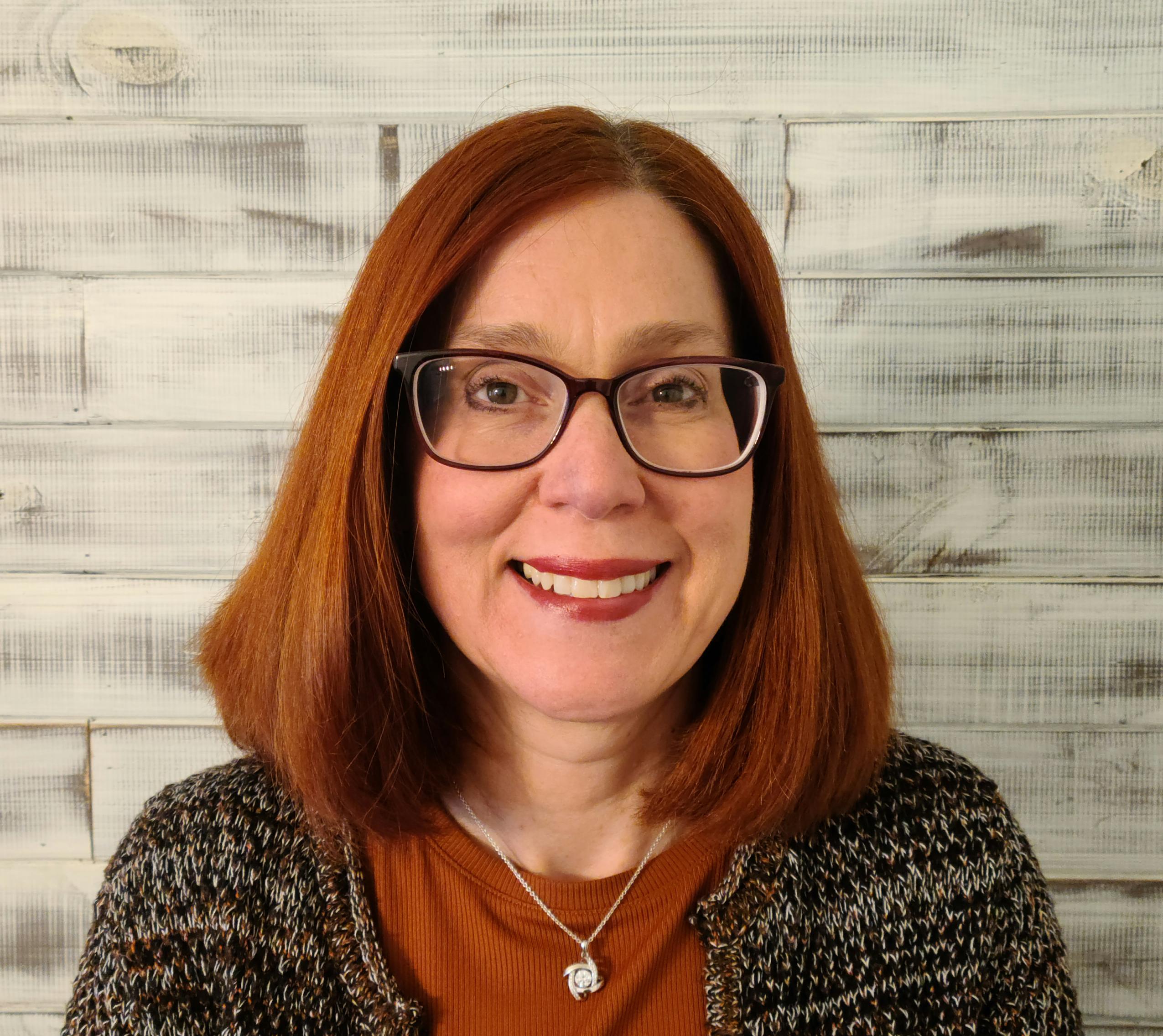 Melissa Lattanzi, Continuing Education Coordinator, Northeast Ohio Regional Library System
Location: Online via Zoom
2/27/2025
 Recorded 2/27/25
Have you thought about using Excel, yet just aren’t comfortable where to start? Then this beginner-friendly webinar is designed to help you unlock the potential of this powerful tool. Whether you're looking to organize data, create simple calculations, or build your first spreadsheet, this session is the perfect starting point.
Learning Objectives
- Explore Excel’s user interface and understand its core components, including worksheets, ribbons, and menus.
- Perform basic data entry, formatting, and simple calculations using formulas and functions.
- Learn some basics tricks to streamline your work.
Melissa Lattanzi, Continuing Education Coordinator, Northeast Ohio Regional Library System
Location: Online via Zoom
4/8/2025
Take your Microsoft Excel skills to the next level with this intermediate-level webinar! Appropriate for users who already know the basics, this session will explore, data, graphs, and more formulas.
Learning Objectives
- Learn how to create lists, sort, and analyze data
- Create and customize charts and graphs to visually represent your data
- Learn more advanced formulas
Melissa Lattanzi, Continuing Education Coordinator, Northeast Ohio Regional Library SystemLocation: Online via Zoom
4/8/2025
 Recorded: 4/8/25
Take your Microsoft Excel skills to the next level with this intermediate-level webinar! Appropriate for users who already know the basics, this session will explore, data, graphs, and more formulas.
Learning Objectives
- Learn how to create lists, sort, and analyze data
- Create and customize charts and graphs to visually represent your data
- Learn more advanced formulas
Melissa Lattanzi, Continuing Education Coordinator, Northeast Ohio Regional Library SystemLocation: Online via Zoom
5/13/2025
Are you already using Google for email, calendar and shared document functions? Use it to handle purchase requests, suggestions for management, track professional development, and log technology and customer service issues. Create forms on the fly to share and communicate, and improve processes and outcomes.
Learning Objectives:
- Identify Google tools that can help with library workflow
- Hear about examples of how the tools have been used effectively
- Be able to apply the tools for your own needs
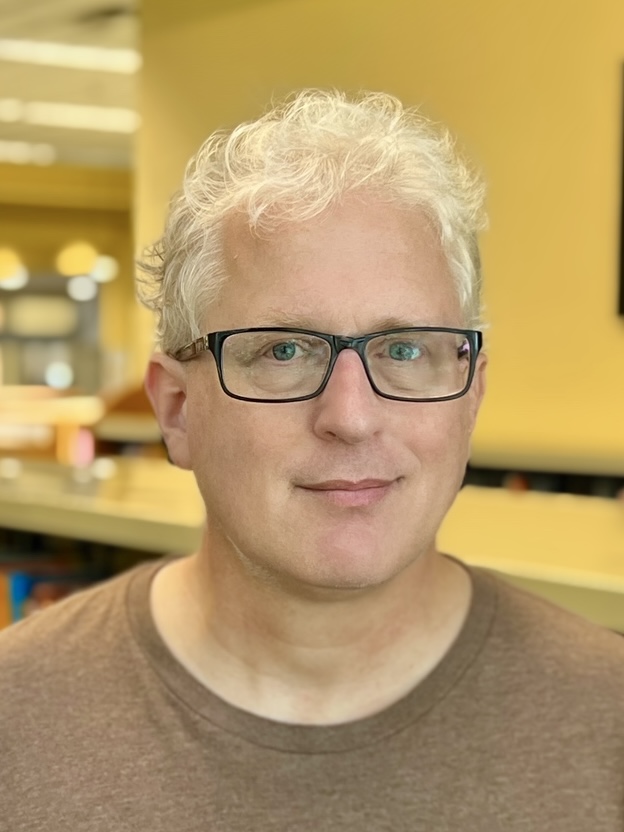 Gerry Vogel is assistant director of Avon Lake Public Library and a NEO-RLS trustee. Likes football, forms and spreadsheets are his life.
Location: Online via Zoom
5/13/2025
Recorded 5/13/25Are you already using Google for email, calendar and shared document functions? Use it to handle purchase requests, suggestions for management, track professional development, and log technology and customer service issues. Create forms on the fly to share and communicate, and improve processes and outcomes.
Learning Objectives:
- Identify Google tools that can help with library workflow
- Hear about examples of how the tools have been used effectively
- Be able to apply the tools for your own needs
Gerry Vogel is assistant director of Avon Lake Public Library and a NEO-RLS trustee. Likes football, forms and spreadsheets are his life.Location: Online via Zoom
8/6/2025
Join us for a session to have your Excel questions answered. Here is an opportunity to share tips and ask questions about Excel. Do you want to learn more about quickly navigating in Excel? Excel formula basics? Using automatic color coding to create a printable work schedule based on staff availability? Summarize data you’ve exported from another system like your ILS? Power Query basics? You may email questions and files ahead of time to Melissa Lattanzi or just join us on Zoom for the conversation. Keep in mind when sharing your files to protect the innocent.
Facilitators:
Scott Trimmer currently serves as the Director of the Learning Commons at Cuyahoga Community College’s Eastern Campus, where he has been since 2014. Scott enjoys helping people use technology to meaningfully improve their lives. His staff jokes that there’s very little Scott doesn’t try to organize in a spreadsheet. While serving for more than ten years as the go-to person to answer Excel questions at a 1000+ employee University, he picked up a number of Excel tips and tricks. In recent years, Scott has developed or assisted in the creation of variety of Excel tools to facilitate administrative tasks and dashboards, simplifying workflows and making data available to less tech-savvy folks in the organization.
With a degree in Computer Science and an MBA in Organizational Leadership, Scott has effectively used Excel to enhance data accessibility in a manner that benefits his organizations.
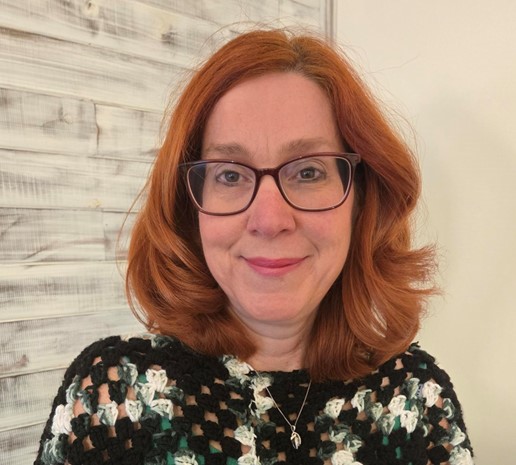 Melissa Lattanzi, Continuing Education Coordinator, NEO-RLS
Location: Online via Zoom
8/6/2025
Join us for a session to have your Excel questions answered. Here is an opportunity to share tips and ask questions about Excel. Do you want to learn more about quickly navigating in Excel? Excel formula basics? Using automatic color coding to create a printable work schedule based on staff availability? Summarize data you’ve exported from another system like your ILS? Power Query basics? You may email questions and files ahead of time to Melissa Lattanzi or just join us on Zoom for the conversation. Keep in mind when sharing your files to protect the innocent.
Facilitators:
Scott Trimmer currently serves as the Director of the Learning Commons at Cuyahoga Community College’s Eastern Campus, where he has been since 2014. Scott enjoys helping people use technology to meaningfully improve their lives. His staff jokes that there’s very little Scott doesn’t try to organize in a spreadsheet. While serving for more than ten years as the go-to person to answer Excel questions at a 1000+ employee University, he picked up a number of Excel tips and tricks. In recent years, Scott has developed or assisted in the creation of variety of Excel tools to facilitate administrative tasks and dashboards, simplifying workflows and making data available to less tech-savvy folks in the organization.
With a degree in Computer Science and an MBA in Organizational Leadership, Scott has effectively used Excel to enhance data accessibility in a manner that benefits his organizations.
Melissa Lattanzi, Continuing Education Coordinator, NEO-RLS
Location: Online via Zoom
9/3/2025
Be Aware and Be Prepared - Learn the who, what, when, where, why, and how of the current cyber security risks, attacks, concerns and what you can do to protect not only yourself, your company but also your family, friends and other relations from becoming a statistic. For all library staff.
Presenter:
Ed Slusarski, President of Regarding Your Systems, LLC (Cyber Consulting Company) - He graduated college with a triple major in Accounting, Finance, and Management and a minor in Computer Science. He started his business career in public accounting, serving very diverse set of clienteles. In his career, he continued to focus on becoming an integrated consulting expert as he progressed through various industries - manufacturing, financial, retail, and mining - which were US and internationally based companies. He continued to refine his skills by: 1) obtaining his MBA/MSMIS degree from Case Western Reserve University’s Weatherhead School of Management; and 2) conducting research, analysis, and studies in the business, operational, and IT fields with the culmination of certifications in key IT security and governance, risk management, and business management fields. He continues to learn and adapt to the ever-changing business/IT environment by obtaining training and seeking certifications in his areas of study and interest (Dark Web, Artificial Intelligence, IoT devices, quantum computing). While his consulting practice does address large companies (Eaton, Timken Steel, Hyster Yale), he strives to help the medium to small businesses the most.
Location: Online via Zoom
9/3/2025
Recorded 9/3/25 Be Aware and Be Prepared - Learn the who, what, when, where, why, and how of the current cyber security risks, attacks, concerns and what you can do to protect not only yourself, your company but also your family, friends and other relations from becoming a statistic. For all library staff.
Presenter:
Ed Slusarski, President of Regarding Your Systems, LLC (Cyber Consulting Company) - He graduated college with a triple major in Accounting, Finance, and Management and a minor in Computer Science. He started his business career in public accounting, serving very diverse set of clienteles. In his career, he continued to focus on becoming an integrated consulting expert as he progressed through various industries - manufacturing, financial, retail, and mining - which were US and internationally based companies. He continued to refine his skills by: 1) obtaining his MBA/MSMIS degree from Case Western Reserve University’s Weatherhead School of Management; and 2) conducting research, analysis, and studies in the business, operational, and IT fields with the culmination of certifications in key IT security and governance, risk management, and business management fields. He continues to learn and adapt to the ever-changing business/IT environment by obtaining training and seeking certifications in his areas of study and interest (Dark Web, Artificial Intelligence, IoT devices, quantum computing). While his consulting practice does address large companies (Eaton, Timken Steel, Hyster Yale), he strives to help the medium to small businesses the most.
Location: Online via Zoom
12/16/2025
Join us for a session to have your Excel questions answered. Here is an opportunity to share tips and ask questions about Excel. Do you want to learn more about quickly navigating in Excel? Excel formula basics? Using automatic color coding to create a printable work schedule based on staff availability? Summarize data you’ve exported from another system like your ILS? Power Query basics? You may email questions and files ahead of time to Melissa Lattanzi or just join us on Zoom for the conversation. Keep in mind when sharing your files to protect the innocent.
Facilitators:
Scott Trimmer currently serves as the Director of the Learning Commons at Cuyahoga Community College’s Eastern Campus, where he has been since 2014. Scott enjoys helping people use technology to meaningfully improve their lives. His staff jokes that there’s very little Scott doesn’t try to organize in a spreadsheet. While serving for more than ten years as the go-to person to answer Excel questions at a 1000+ employee University, he picked up a number of Excel tips and tricks. In recent years, Scott has developed or assisted in the creation of variety of Excel tools to facilitate administrative tasks and dashboards, simplifying workflows and making data available to less tech-savvy folks in the organization.
With a degree in Computer Science and an MBA in Organizational Leadership, Scott has effectively used Excel to enhance data accessibility in a manner that benefits his organizations.
Melissa Lattanzi, Continuing Education Coordinator, NEO-RLS
Location: Online via Zoom
12/16/2025
Recorded 12/16/25
Join us for a session to have your Excel questions answered. Here is an opportunity to share tips and ask questions about Excel. Do you want to learn more about quickly navigating in Excel? Excel formula basics? Using automatic color coding to create a printable work schedule based on staff availability? Summarize data you’ve exported from another system like your ILS? Power Query basics? You may email questions and files ahead of time to Melissa Lattanzi or just join us on Zoom for the conversation. Keep in mind when sharing your files to protect the innocent.
Facilitators:
Scott Trimmer currently serves as the Director of the Learning Commons at Cuyahoga Community College’s Eastern Campus, where he has been since 2014. Scott enjoys helping people use technology to meaningfully improve their lives. His staff jokes that there’s very little Scott doesn’t try to organize in a spreadsheet. While serving for more than ten years as the go-to person to answer Excel questions at a 1000+ employee University, he picked up a number of Excel tips and tricks. In recent years, Scott has developed or assisted in the creation of variety of Excel tools to facilitate administrative tasks and dashboards, simplifying workflows and making data available to less tech-savvy folks in the organization.
With a degree in Computer Science and an MBA in Organizational Leadership, Scott has effectively used Excel to enhance data accessibility in a manner that benefits his organizations.
Melissa Lattanzi, Continuing Education Coordinator, NEO-RLS
Location: Online via Zoom
2/19/2026
Learn how to create polished, professional presentations using Canva, no design experience required. In this step-by-step training, participants will explore Canva’s presentation tools, layouts, and design features while learning practical tips for visual storytelling, branding, and accessibility. Attendees will learn the skills to design presentations that look great and communicate ideas clearly.
Learning Objectives:
- Create visually stunning and professional-looking presentations using Canva templates, layouts, and brand tools.
- Apply core design principles such as layout balance, typography, color, and visual hierarchy within your presentations.
- Learn to present and share Canva presentations efficiently across multiple formats and platforms.
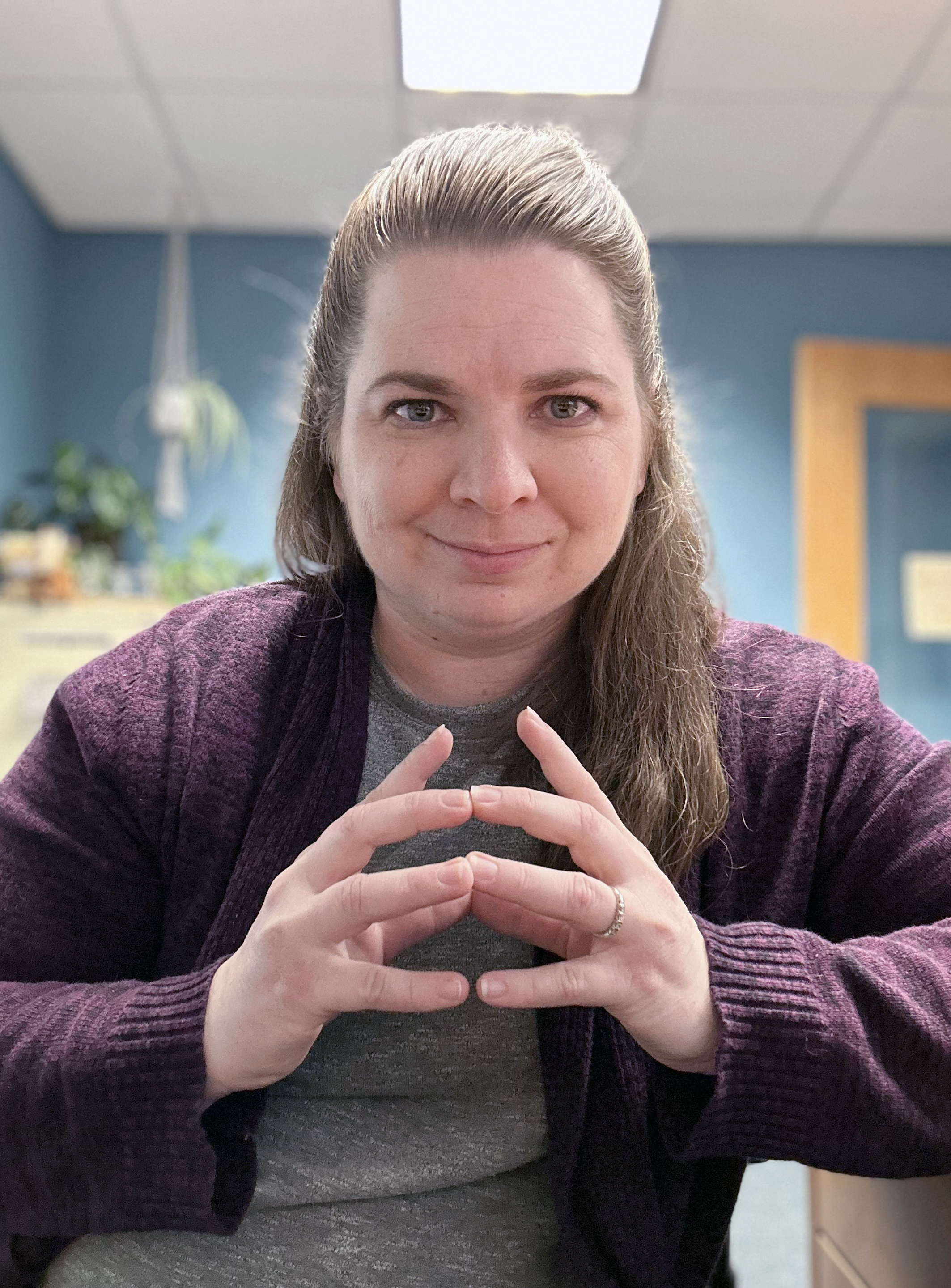 Heather Feenaughty is the PR/Marketing Manager at Westlake Porter Public Library. Heather brings over 14 years' experience in marketing and public relations. She served as a Public Affairs Broadcast Journalist in the U.S. Army for five years and spent seven years at Case Western Reserve University’s Undergraduate Admissions marketing team. Heather has been in the library world for almost 3 years and plans to add many more. Heather has yet to receive the prestigious Cannes Lions Award for Creative Effectiveness but is a five-time local scarecrow contest winner (should be six), won a Rosette at the Cuyahoga County Fair in the crochet division, and spear-headed WPPL’s 2024 Westlake in Bloom first place win.
Location: Online via Zoom
2/19/2026
Recorded: 2/19/26Learn how to create polished, professional presentations using Canva, no design experience required. In this step-by-step training, participants will explore Canva’s presentation tools, layouts, and design features while learning practical tips for visual storytelling, branding, and accessibility. Attendees will learn the skills to design presentations that look great and communicate ideas clearly.
Learning Objectives:
- Create visually stunning and professional-looking presentations using Canva templates, layouts, and brand tools.
- Apply core design principles such as layout balance, typography, color, and visual hierarchy within your presentations.
- Learn to present and share Canva presentations efficiently across multiple formats and platforms.
Heather Feenaughty is the PR/Marketing Manager at Westlake Porter Public Library. Heather brings over 14 years' experience in marketing and public relations. She served as a Public Affairs Broadcast Journalist in the U.S. Army for five years and spent seven years at Case Western Reserve University’s Undergraduate Admissions marketing team. Heather has been in the library world for almost 3 years and plans to add many more. Heather has yet to receive the prestigious Cannes Lions Award for Creative Effectiveness but is a five-time local scarecrow contest winner (should be six), won a Rosette at the Cuyahoga County Fair in the crochet division, and spear-headed WPPL’s 2024 Westlake in Bloom first place win.Location: Online via Zoom
6/9/2026
Have questions about Canva? Want to sharpen your design skills? Looking to create polished flyers, social graphics, bookmarks, slides, or signage without starting from scratch? Ready to try video but aren't sure where to start? Join this drop-in session focused on helping you build confidence and capacity with Canva. Bring your questions, works-in-progress, or a specific project you’d like guidance on. Whether you're new to Canva or looking to streamline your workflow and elevate your library marketing materials, you’ll gain practical, applicable skills. You may email questions to Jill Grunenwald ahead of time or join us on Zoom for the conversation.
Presenter:
 Jill Grunenwald is the Marketing and Engagement Coordinator for NEO-RLS. She has her MLIS from the University of Kentucky and has experience in academic, public, and special libraries. Prior to joining NEO-RLS, she spent 7 years as a Marketing Communications Specialist at OverDrive. A storyteller at heart, Jill strives to create compelling content that emphasizes the importance of a global and inclusive perspective with a passion for all things books, libraries, and reading.
Location: Online
Via Zoom